Intro:
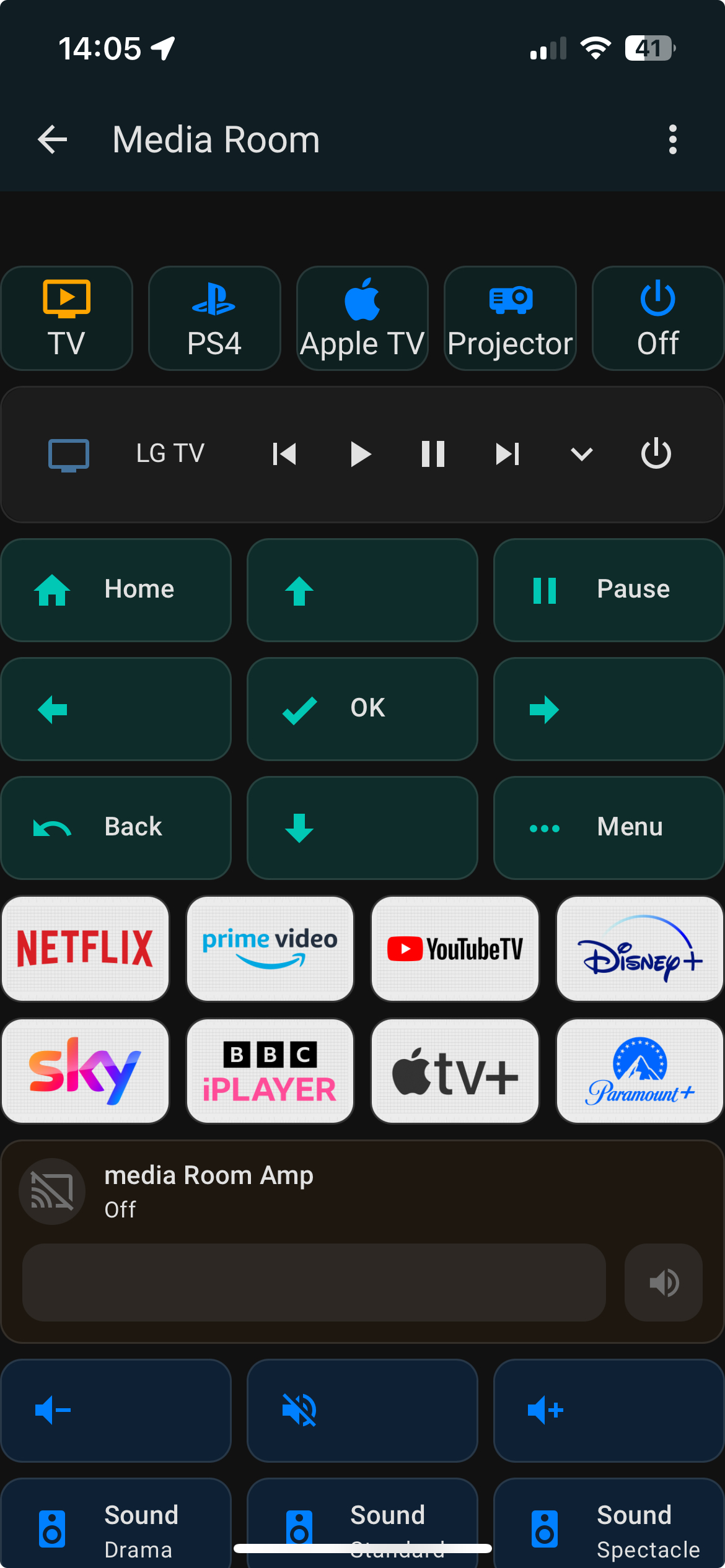
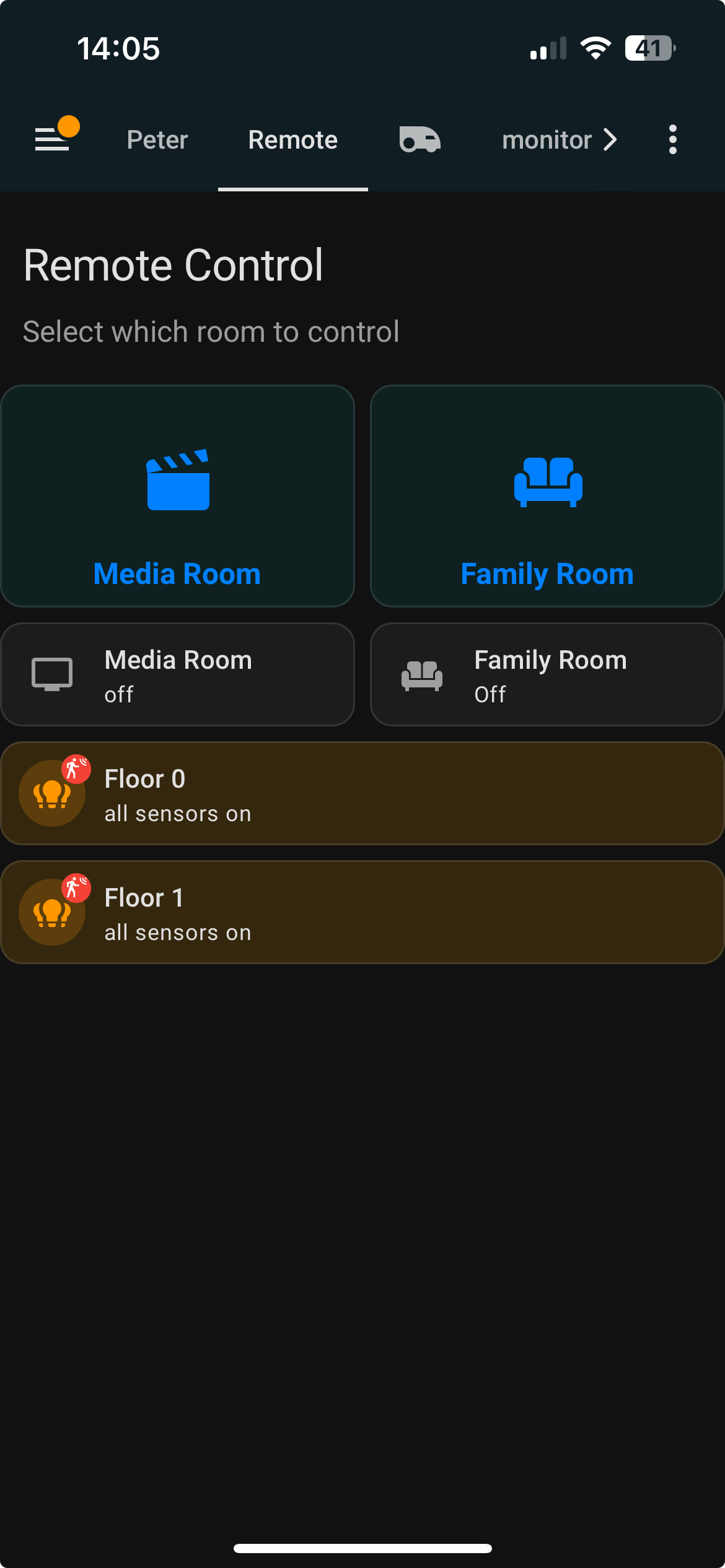
I’ve been using Home Assistant for a while and wanted a remote interface that adapts to different rooms in the house. This view was built with mobile devices in mind — especially for family use — and gives different controls depending on which device you’re using it from.
What it does:
- Shows media and light controls based on which room you’re in
- Detects room presence using input booleans (e.g.,
kitchen_using,family_room_using) - Lets you toggle which room you’re using from the dashboard
- Automatically shows the right controls with
state-switch - Works great on phones — quick access to music, TV, Sonos, lights, etc.
How to use it:
- Clone or copy the YAML from the GitHub repo: https://github.com/shawwellpete/home-assistant-media-remote
- Create an
input_selectto track the active room - Create scripts for each room/device setup (TV, Sonos, Switch, etc.)
- Use the included light blocks as templates to show room status
- Tweak entity names to match your setup (it’s hardcoded for mine)
Requirements
To use this remote view, you’ll need to install the following two custom integrations via HACS (Home Assistant Community Store):
1. Mushroom Cards
These are beautiful, modern Lovelace cards used for buttons, media players, and toggles.
Docs: https://github.com/piitaya/lovelace-mushroom
2. Browser Mod
This lets you detect which device is accessing the dashboard, and show controls for that room using state-switch.
Docs: https://github.com/thomasloven/hass-browser_mod
Conclusion:
If you want a flexible, multi-room media and lighting remote that your whole household can use without confusion, give it a try.
Hi Peter, great work here. I’d like to build mine starting with your media room dashboard. My media room set up includes a projector, AVR, and sources are a streaming box and Nintendo switch. My initial goals were powering on/off the components, adjusting lens presets, and lighting scenes. I got that working well and was starting to add volume control, basic navigation, input selection on AVR, and streaming apps. That’s when I discovered your post in the HA Facebook group, but being new it’s still over my head. I downloaded the files from your git and took a quick look at the yamls. I’m not sure how to move the files to the directories you listed. Maybe it would be easier if I started a new dashboard and just pasted in portions of the yaml. Any help is greatly appreciated.
Hi, thanks for the kind words, really appreciate it
It sounds like you’re already well on your way, and your projector / AVR / Switch setup is exactly the kind of use case I had in mind when I built this.
You’re absolutely right that the YAML can feel overwhelming at first. My repo isn’t a drop-in “one click” solution, it’s more a set of working patterns that you copy, trim down, and adapt to your own setup. Starting with a brand-new dashboard and pasting in small sections is definitely the right approach.
A couple of pointers that may help:
• You don’t need to copy everything. Start with one room, one activity (e.g. “Media Room → Watch TV”), get that working, then expand.
• The directory structure in the repo is just how I keep things organised Home Assistant doesn’t require it. You can keep everything in a single dashboard YAML while you’re learning.
• Most of the logic is driven by input_select + scripts. Once that clicks, the rest tends to fall into place.
• Entity names are hard-coded for my house, so expect to rename a lot — that’s normal.
I’m afraid I can’t offer one-to-one support, mainly because everyone’s setup is different and it quickly becomes a rabbit hole
That said, ChatGPT is genuinely excellent for this exact problem, paste in a small chunk of YAML, explain what you want it to do, and iterate from there. That’s how a lot of this evolved in the first place.
Good luck!
Thanks Peter, it’s definitely a rabbit hole and i find myself going off on tangents the more i read and discover. Haha. Trying to remain focused on my media room since the goals are fairly specific and i can build it up over time. Appreciate your feedback, i need to try out chatGPT, i have seen others mention that too.